
Meta Conversion API
UserLoop can send survey response data to Meta's Conversion API, enabling you to target ads more precisely based on customer feedback and optimize your ad spend.
Benefits
- Better Targeting — Use survey responses to build more precise ad audiences.
- Ad Spend Efficiency — Optimize campaigns based on real customer feedback.
- Event Tracking — See survey response events in Meta's Event Manager.
How to Set Up the Integration
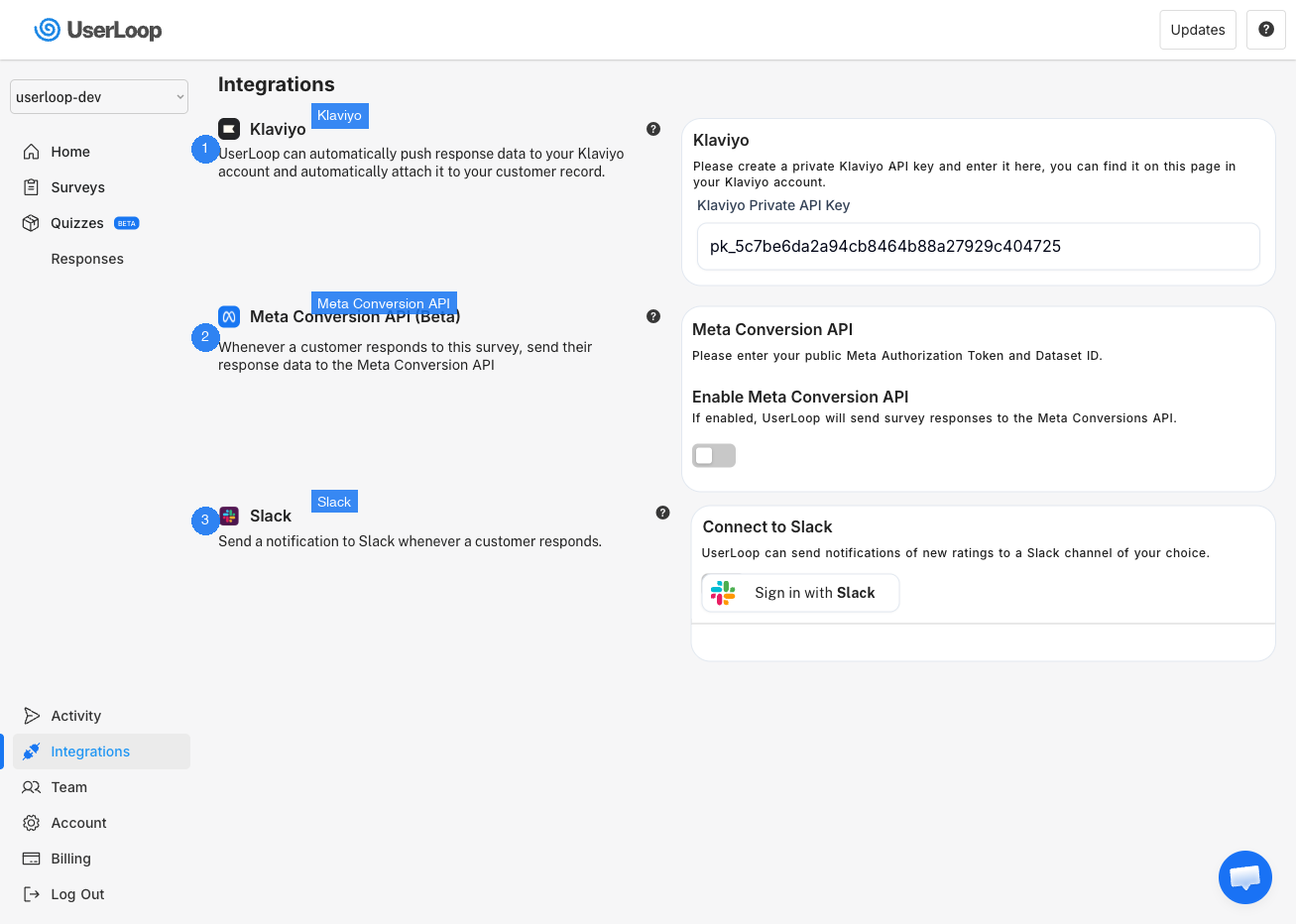
1. In UserLoop, click Integrations in the left menu.
2. Find the Meta Conversion API (Beta) section.
3. Toggle on Enable Meta Conversion API.
4. In Meta's Event Manager, copy your Pixel ID (or Event ID) and Authorization Token.
5. Paste these into the corresponding fields in UserLoop and save.
Verifying the Integration
Send a test survey response, then check Meta's Event Manager to confirm the event was recorded. If it doesn't appear, double-check that all IDs were entered correctly and that the integration toggle is on.
Need Help?
If you have any questions about the Meta Conversion API integration, reach out to us via live chat and we'll be happy to help.
Updated on: 26/02/2026
Thank you!