
Order Fulfilled Surveys
UserLoop can send surveys to your customers based on fulfillment events in your Shopify account. When an order is marked as fulfilled, UserLoop will trigger sending a survey to that customer.
How to Enable the Order Fulfilled Trigger
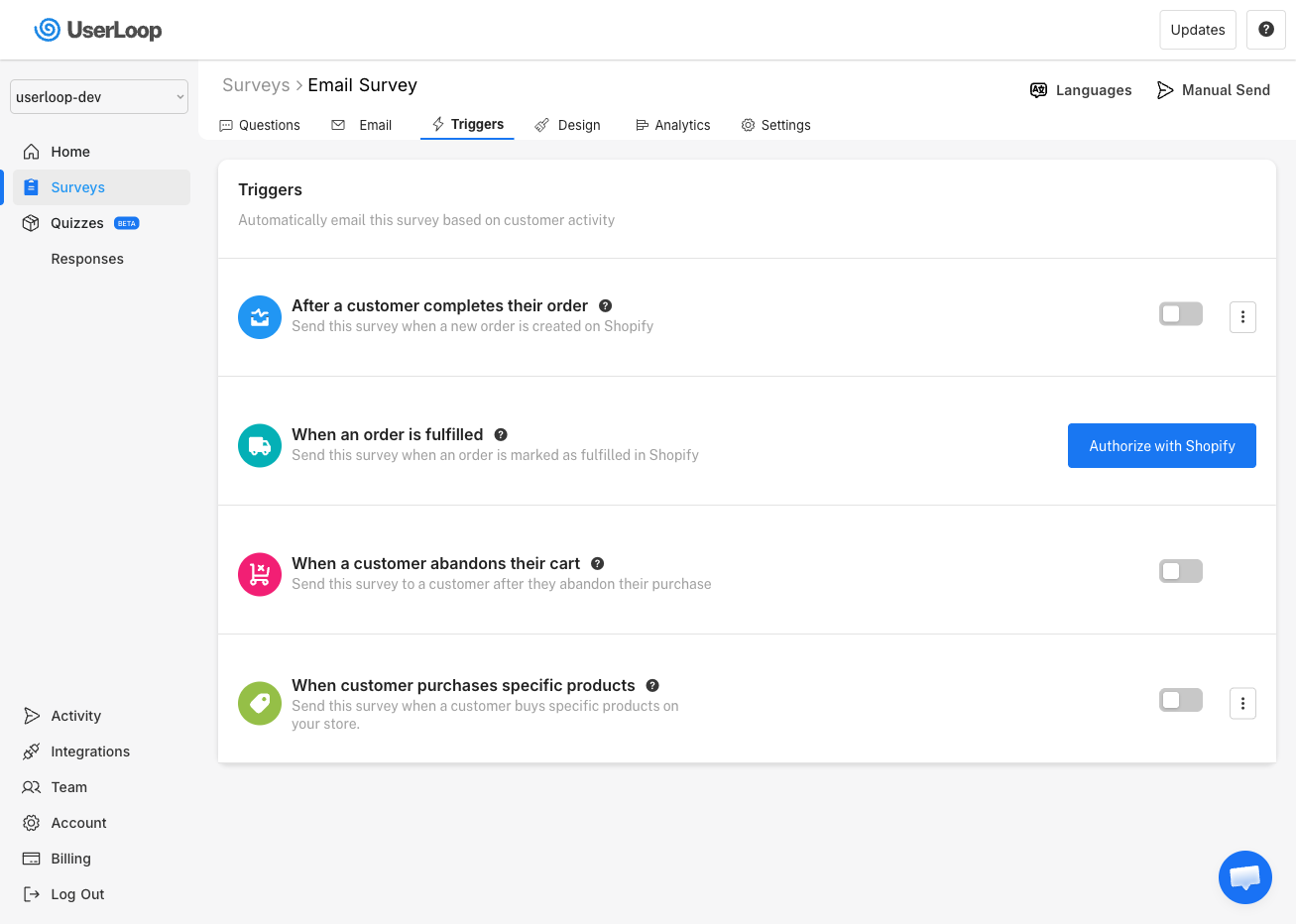
1. Go to Surveys and select your email survey.
2. Click the Triggers tab.
3. Find the When an order is fulfilled trigger and toggle it on. You may need to click Authorize with Shopify to grant the required permissions first.
Custom Delay
You can set a custom delay period so the survey isn't sent immediately when the order is fulfilled. Click the three-dot menu next to the trigger to configure the delay.
For example, if you set your delay to 7 days, UserLoop will send the survey 7 days after the fulfillment event. This gives the customer time to receive and use the product before being asked for feedback.
Need Help?
If you have any questions about order fulfilled surveys, reach out to us via live chat and we'll be happy to help.
Updated on: 26/02/2026
Thank you!