
Email Activity
The Activity page gives you a complete view of all survey emails UserLoop has sent and any emails scheduled to go out in the future. You can find it in the left menu under Activity.
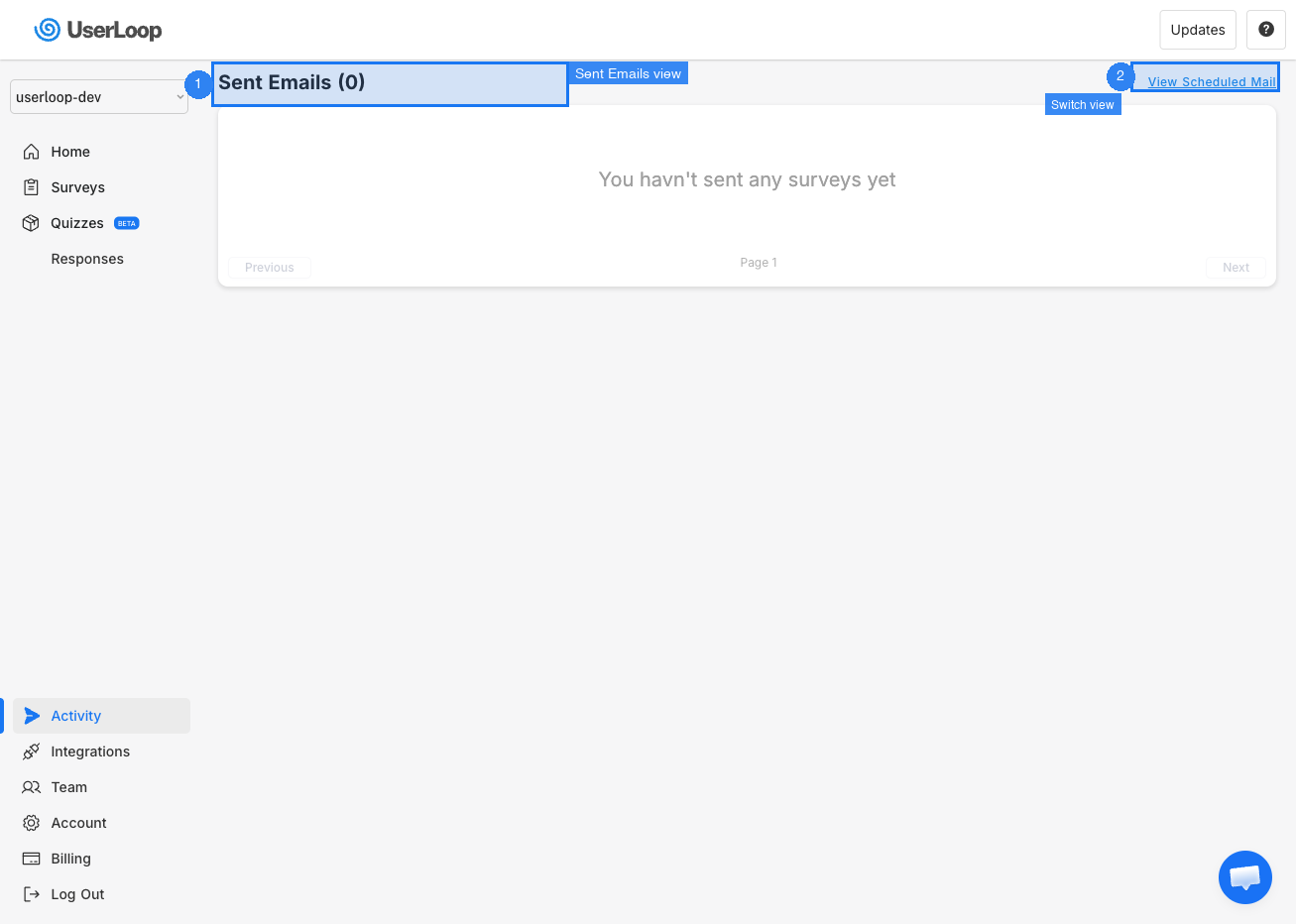
Sent Emails
The default view shows all emails UserLoop has sent to your customers. Each row displays:
- Trigger — What caused the email to be sent (e.g. post purchase, order fulfilled).
- Email Address — The customer email address the survey was sent to.
- Date & Time — When the survey was sent.
- Opens — How many times the customer opened the survey email.
Click the Opens button on any row to see a breakdown of every time that customer opened the email.
Scheduled Emails
Click View Scheduled Mail in the top-right corner to see all upcoming emails that UserLoop has queued to send. If you need to cancel a scheduled email, click the cancel icon next to it.
Click View Sent Mail to switch back to the sent emails view.
Need Help?
If you have any questions about email activity, reach out to us via live chat and we'll be happy to help.
Updated on: 26/02/2026
Thank you!